


Our process · 63 Bits LLC
How a project moves from brief to launch
Every project is different, but the sequence from a vague idea to something live follows a recognizable path. This page describes how 63 Bits LLC runs that path: discovery, structure, design, build, launch. It also covers where decisions get made and what we need from you at each stage. Read it before an enquiry and the first call gets more useful.
The five stages
What happens at each stage
Five stages, in order. Each one has a written output you keep: a scope, a structure, a prototype, a component library, a tested build. The sections below unpack what each stage asks of us and what it asks of you.
Stage one
Discovery
Agree the business goal, the audience and the constraints. Output: a short written scope.
Stage two
Architecture
Map pages and navigation for a site, or screens and user flows for an app. Output: a structure you approve.
Stage three
Design
Wireframes, then visual design and the component library in Figma. Output: a documented source of truth.
Stage four
Build
Short cycles with a staging URL you can look at every week. Output: code in your repository from the start.
Stage five
Launch
A scheduled window, a rollback plan, and monitoring through the first days. Output: a live site and written handoff.
Where projects slow down
What we need from you to keep moving
Fast projects share a few habits. One decision-maker who can approve without a committee meeting. Content and brand assets available when design needs them. Feedback consolidated rather than arriving from five directions.
The most common delay is late content. Design can proceed without final copy for a while, but not indefinitely, and a build cannot launch with placeholder text. If you already have a launch date in mind, say so during discovery so the schedule is built around it rather than against it.
Ask about timelinesDiscovery: agreeing what the project is for
Discovery is where we establish the business goal, the audience and the constraints. We ask about existing systems, who will maintain the result, and what success looks like six months after launch. For a Singapore client selling regionally, that might mean multi-currency pricing and a support flow in two languages.
The output is a short written scope: what we are building, what we are not, and the assumptions we are working from. If the scope cannot be written in a few pages, it usually means the goal is still unclear.
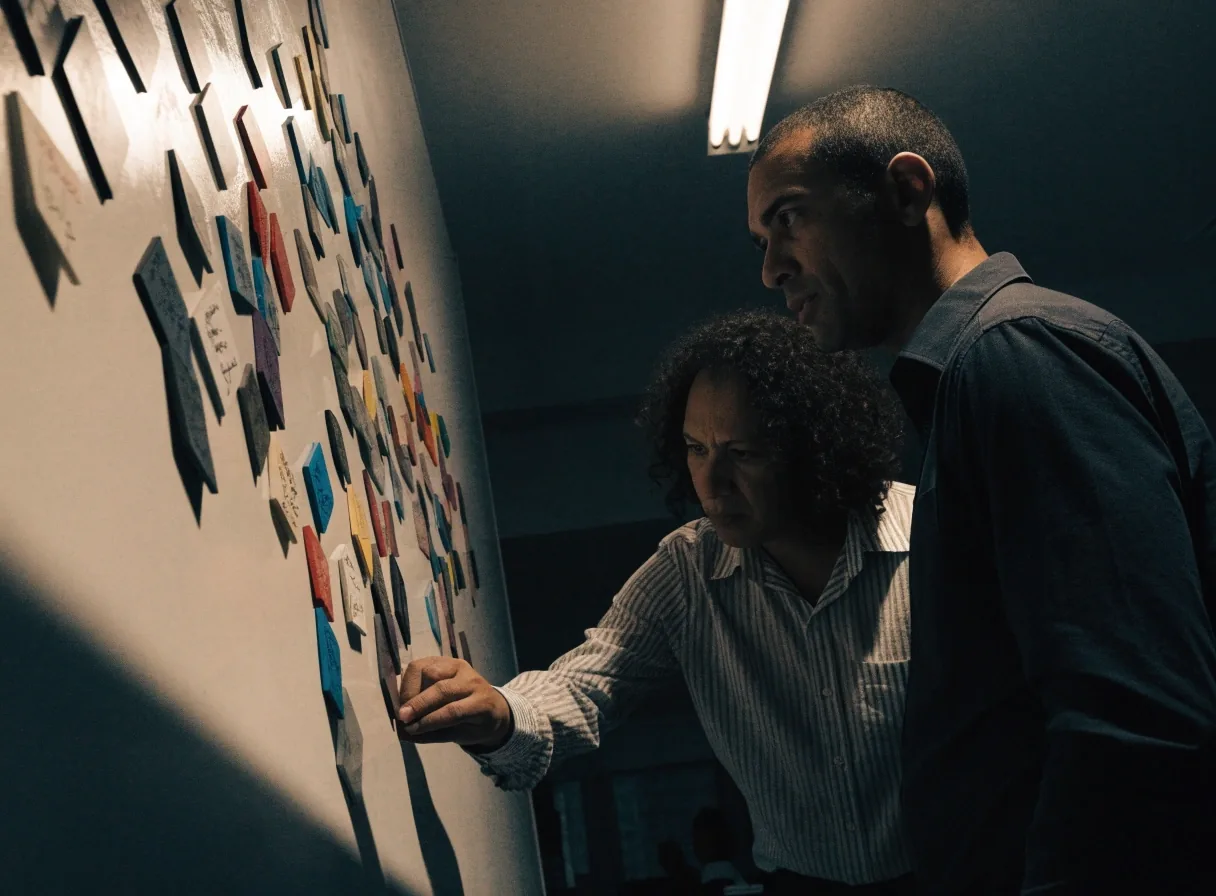
Written scope
A few pages: what we build, what we do not, and the assumptions in play. The document you point at when scope questions come up later.
Constraints we ask about
- Systems already in place, and who touches them day to day.
- Who maintains the result after launch, in-house or with us.
- What success looks like six months out, not on launch day.
- Languages, currencies and regions the product has to serve.
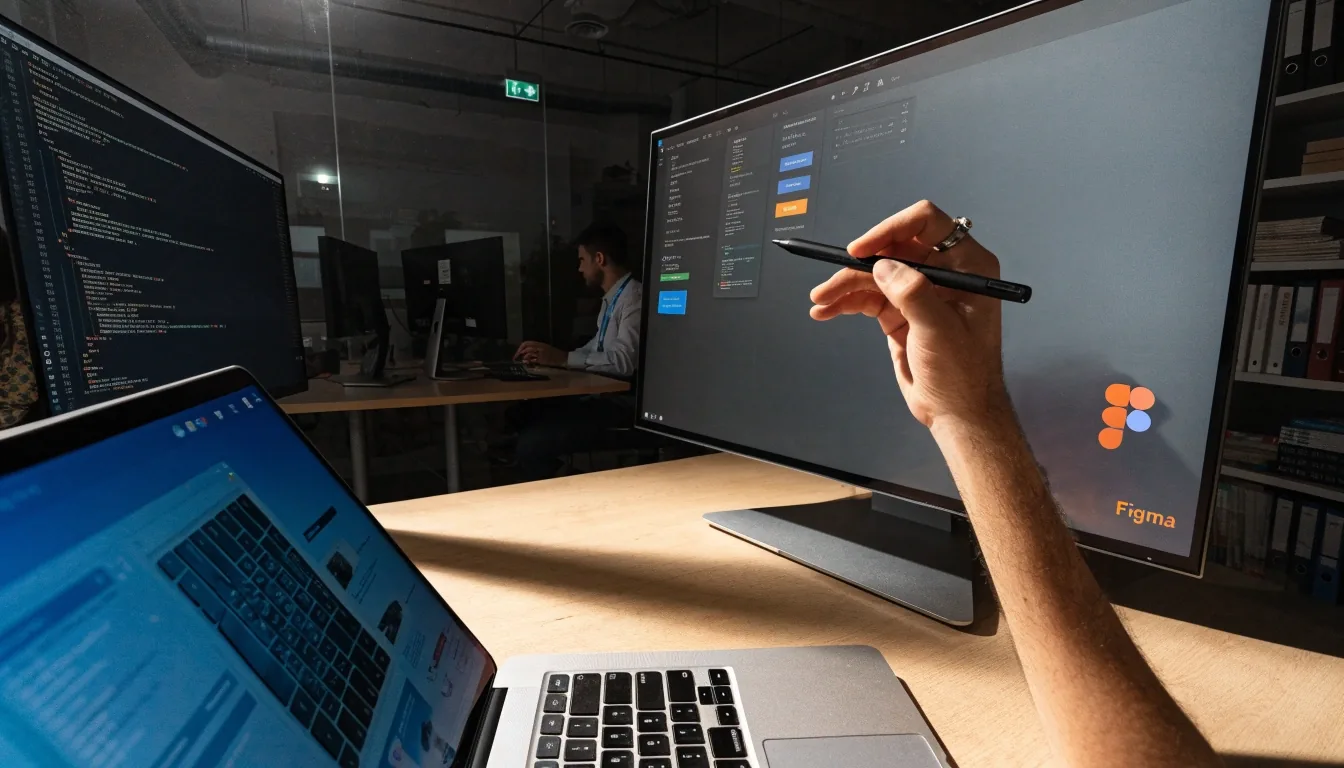
Information architecture and user flows
Once the goal is agreed, we map the structure. For a website that means a page inventory and navigation. For an application it means screens and the user flows between them, including the states nobody enjoys designing: errors, empty lists, slow connections.
This stage is where a project gets cheaper or more expensive. Moving a page after launch is trivial. Moving a data model after launch is not.
For websites
Page inventory and navigation
Every page named, its job stated, and the links between them drawn before any layout is designed. Sections that duplicate each other get merged here, not after launch.
For applications
Screens and user flows
Each screen listed with the states it can be in, and the routes a person takes between them. Sign-up, recovery, cancellation and re-entry all get drawn, not just the happy path.
Easy to skip
The unhappy states
Errors, empty lists, slow connections, failed payments. They are the least enjoyable screens to draw and the ones users hit most often on a bad day.
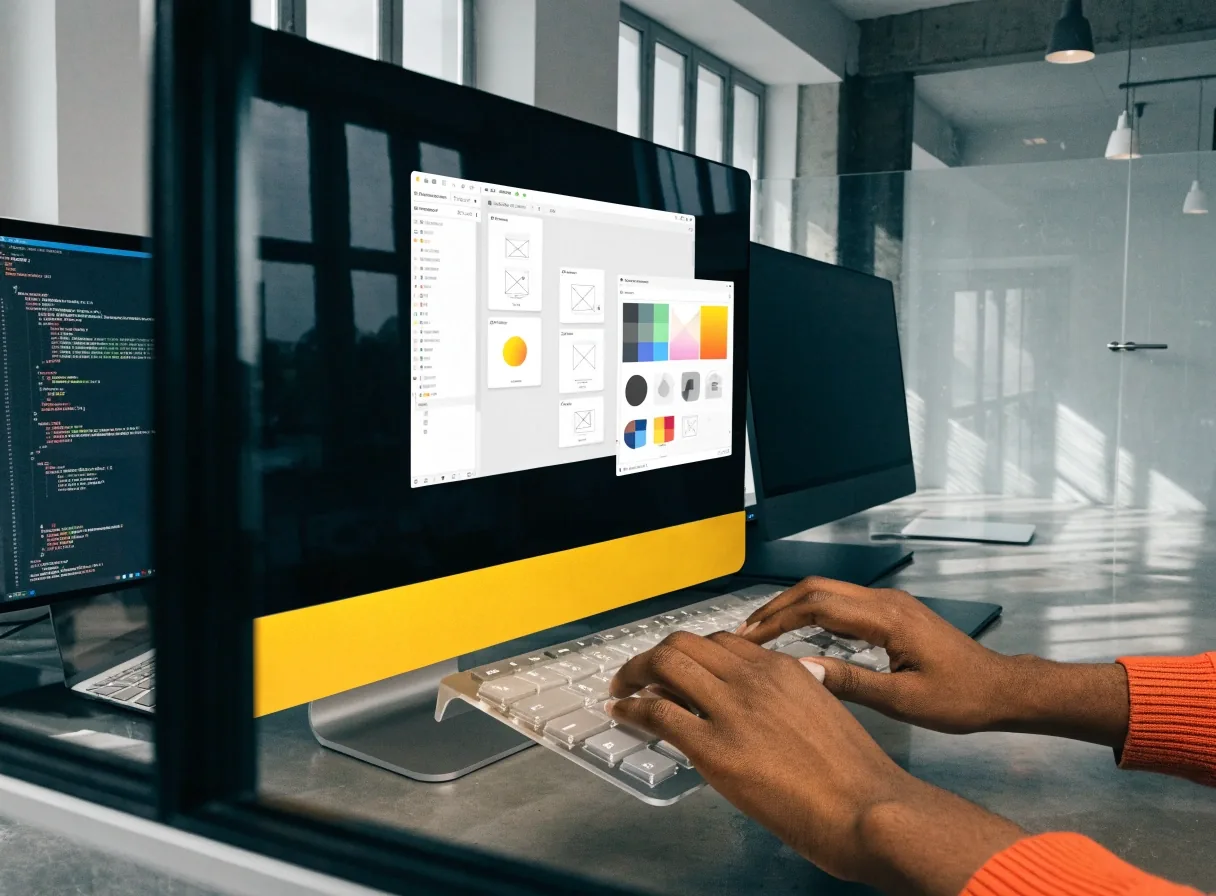
Wireframes and prototyping
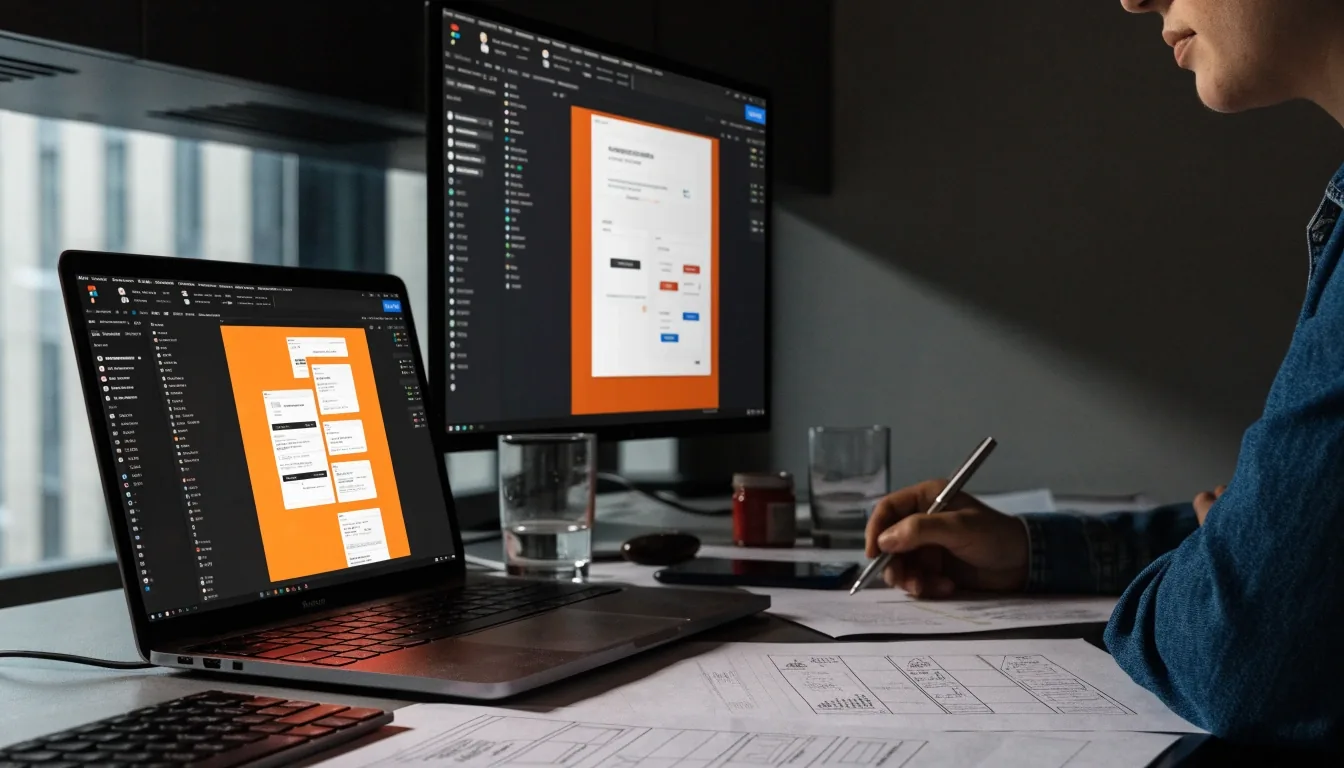
Wireframes establish layout and hierarchy without visual noise. They are fast to produce and fast to discard, which is the point. For flows that carry risk we build clickable prototypes in Figma so the team can test the sequence before anyone writes code.
We involve developers in these reviews. A prototype that ignores how the data arrives produces a design that gets quietly rebuilt during development. Getting a backend engineer to sit in on a flow review costs an hour and saves a sprint.
Wireframes are approved before visual design starts. If the structure is still moving, colour and type only make the disagreement harder to see.
Visual design and the design system
Visual design applies your brand to the approved structure and defines the component library in the same pass. Building the system during design, rather than after, means the first coded screens already match the source of truth.
Component library in Figma
Buttons, inputs, cards, navigation and modals, each with its states and responsive behaviour documented. Hover, focus, disabled, loading and error states are specified at the same time as the default state, so a developer never has to guess what a button does when it is pressed.
- Type scale and spacing tokens
- Form fields and validation states
- Navigation, desktop and mobile
- Cards, lists and empty states
- Breakpoints and grid behaviour
- Content rules for each component
Extending it later
The library gives your team something to extend without asking us for every new page. New screens that follow it stay consistent, whether they are built in month one or month twelve.
Development and weekly checkpoints
Build happens in short cycles with a working environment you can look at, not a reveal at the end. You see progress weekly, on a staging URL, and feedback lands while changes are still cheap. Code lives in your repository from the start.
We package projects with Docker so the environment behaves the same on a developer's machine, in testing and in production. That removes a common source of launch-week surprises.
Every week
A staging URL you can open
A real link to the current build. Click through it before the call, not during it.
Every week
Feedback on a short list
Comments gathered in one place so changes are prioritised rather than relayed from five directions.
From day one
Your repository, your access
Commits land in your organisation from the first week. Nothing is held back for handoff.
Throughout
The same environment everywhere
Docker packaging keeps the app behaving identically on a laptop, in testing and in production.
Quality checks before launch
Before anything goes live we run through the unglamorous list. For mobile apps, that includes testing on older devices and slower networks, not just the newest phone on the office desk.
We also check that analytics and any third-party integrations are wired correctly, and that no test data is left in production.
Checked
Responsive behaviour at real device widths, not just the browser resize handle.
Checked
Form validation, including what happens when a field is left blank or filled wrongly.
Checked
Loading and error states on every screen that can wait for data.
Checked
Keyboard navigation and focus order through forms, menus and dialogs.
Checked
Page weight, image sizes and anything that slows the first load.
Checked
Cross-browser rendering, including the browser your team actually uses.
Launch and the first weeks after
Launch is a scheduled event, not a surprise. We agree a window, prepare a rollback plan, and monitor the first days for errors and performance issues. Content editors get a walkthrough if the site uses a CMS.
The weeks after launch usually surface small adjustments: a label that confuses users, a form field that should be optional. We plan for that window rather than treating launch as the finish line.
Before
A window and a rollback plan
A time agreed in advance, the previous version kept ready, and a named person on both sides during the switch.
During
Monitoring the first days
Error logs and performance watched closely while traffic is still low, so small issues get fixed before they are habits.
After
The adjustment window
A planned period for label changes, optional fields and other small corrections that only real use reveals.
Handoff, documentation and maintenance
Handoff includes the repository, design files, and written notes on how to run, deploy and extend the project. A walkthrough call covers the parts most likely to need changes first: content updates, new pages, and where the deployment settings live.
Ongoing maintenance is optional. Some clients keep us on a retainer, others take it in-house after handoff. Both are fine, provided the documentation is good enough for the second option.
What you receive
- The full repository, with commit history intact.
- The Figma design files and component library.
- Written notes on running, deploying and extending the project.
- A walkthrough call covering the parts most likely to change first.
Ownership transfers to you on final payment. You are not handed a locked licence for work you paid for.
Questions before an enquiry
Three things clients ask most often before the first call. If your question is not here, the contact page is the fastest route.
Start with a project enquiry
How long does a typical project take?
A focused marketing site usually runs several weeks from scope to launch. Custom web applications and mobile products take longer, and we give a range after discovery rather than before. Any estimate made before we know the constraints is a guess with a number attached to it.
Can we change scope mid-project?
Yes, with the understanding that it affects timeline. We log scope changes in writing so nobody is surprised at the end. A small addition early in design is often cheaper than the same addition after the build has started, and the written log makes that difference visible.
Who owns the code and design files?
You do, on final payment. We hand over the repository and Figma files, not a locked licence. That is also why the documentation matters: ownership only helps if your team can act on it without us in the room.
Where to go next
If the sequence above matches how you want a project run, the next step is a short enquiry. Describe what you are building, who it serves, and whether a date is already fixed. If you would rather see the work before talking, the case notes and services pages are both open.
We work from Monday to Friday, 9:00 AM to 6:00 PM, and reply to enquiries from that window.
Studio contact
ул. Мицкевича, 14, Тбилиси 0194, Грузия
Monday to Friday, 9:00 AM – 6:00 PM