

Singapore · web, mobile and interface design
Web, mobile and interface design from Singapore
63 Bits LLC is a digital studio in Singapore building websites, mobile applications and the interfaces that hold them together. Three kinds of work arrive here most often: a business site that has to convert, a mobile product that has to ship, and an interface that has drifted out of consistency.
Start here
Which of the three engagements fits your goal
Website builds
A site or web app with a job to do
For teams that need a marketing site, a corporate presence, or a content-led product page. The work starts with information architecture: what pages exist, what each one is for, and how a visitor moves toward a decision.
Website and web app workMobile applications
A product that lives on a phone
Usually iOS and Android together, from one shared design system. Flutter and React Native cover most of this; native Android stays on the table when the platform APIs matter.
Interface design
Screens, states and a design system
For companies that already have engineers and need user flows, wireframes, prototypes and a component library sorted before or during the build.
If you are unsure, that is normal. Send a paragraph about the problem and we will say which of the three we would start with, even when the answer is none of these yet.
Website builds, from single pages to custom web apps
We build responsive, mobile-first websites and web applications. For content-heavy sites we often use WordPress, because editors already know it and the plugin ecosystem covers the boring parts. For product interfaces we work in React and Next.js, with Node.js and Express behind them when a custom API is needed.
Visual design and a component library come next, then the build. You get the code and the design files at handoff, not a locked box.

Front-end and API in the same room
Design and build stay in one file set, so the interface that ships matches the one that was drawn.
Mobile applications that stay consistent across platforms
Cross-platform
Flutter
Ships iOS and Android from one codebase with a shared design system, which matters when visual consistency is the point.
Cross-platform
React Native
Usually the better fit when your web product is already React and you want shared logic between the app and the site.
Native
Jetpack Compose
Android screens built from state rather than XML layouts. It is now the default for new Android interface work in our projects.
Environment
Docker
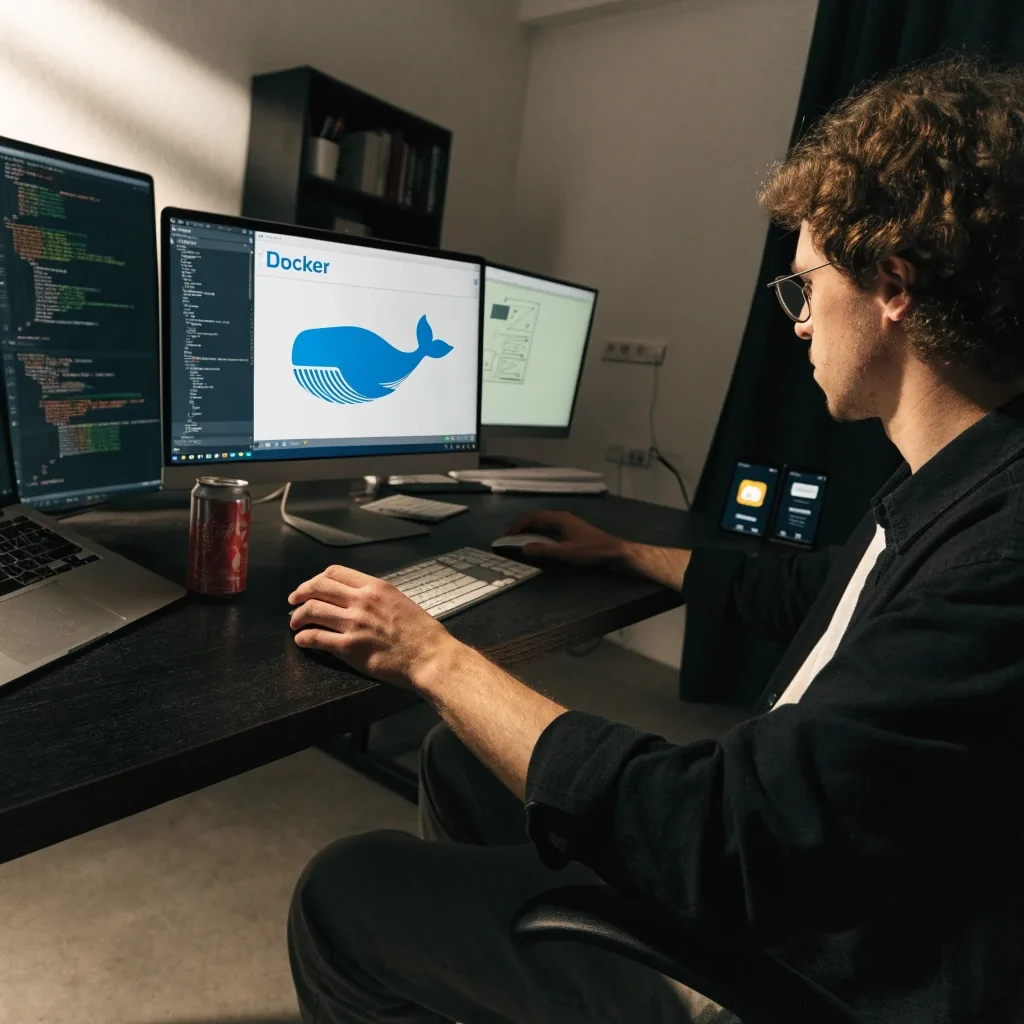
We package and deploy with Docker so a build runs the same on a laptop, in testing and in production. It removes a whole category of arguments about whose machine is wrong.
Interface design, design systems and prototyping
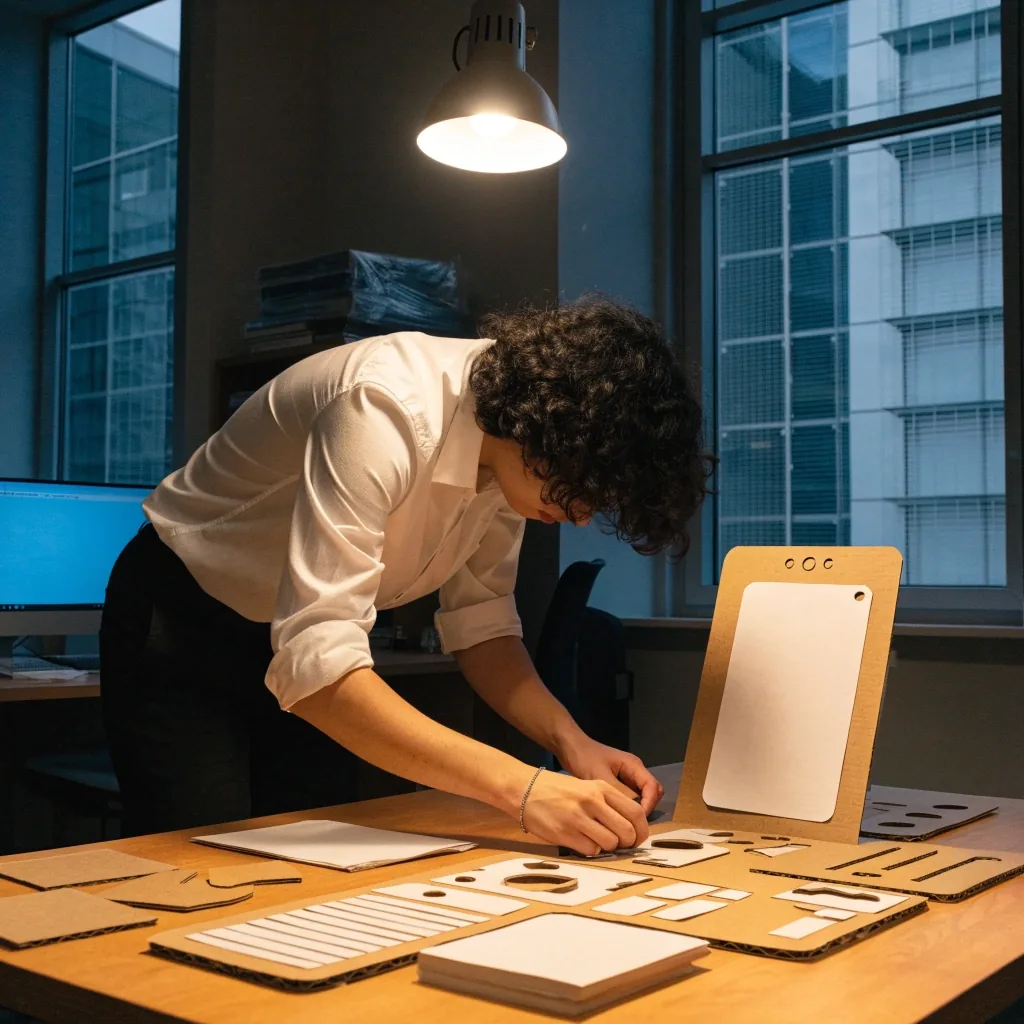
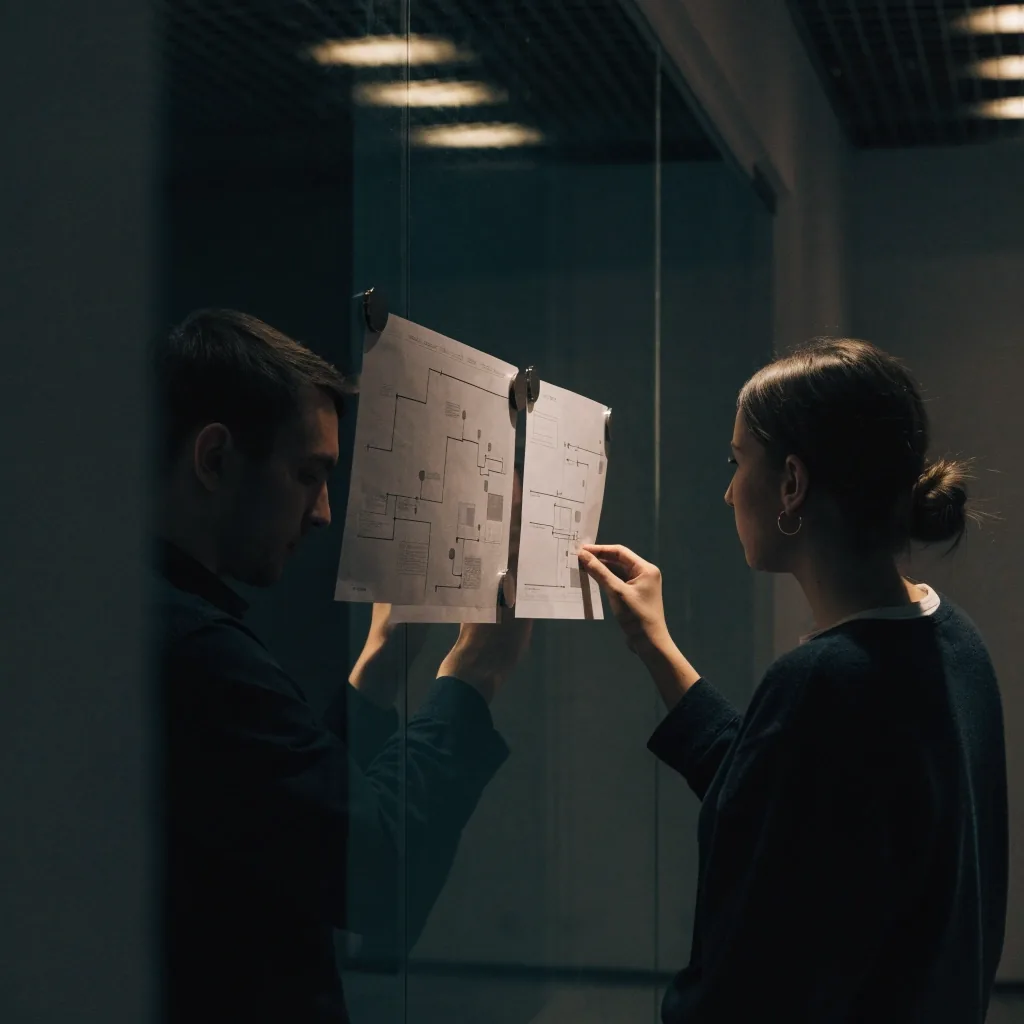
Interface design is not decoration applied at the end. It covers user flows, wireframes, prototypes and the component library that keeps screens consistent as a product grows. We work in Figma, which has become the shared space where designers, developers and product people comment on the same file.
A design system is the part clients underestimate. It is the set of rules and components that decides what a button looks like in every state, how spacing works, and what happens on a small screen. Get it right early and every later feature gets cheaper. Skip it and the product drifts.
What the first two weeks look like
Nothing is built until the scope is agreed in writing. That protects both sides. If the project is small, discovery may be two calls and a one-page brief instead.
Week one
Discovery and a written scope
We read what you already have, ask about users and business goals, and map the user flows that matter. You get a short written scope, not a sixty-page document nobody reads.
Week two
Information architecture and first wireframes
Structure comes before paint: page roles, navigation, and the first wireframes or a prototype, depending on the project type. You see the shape of the product before anyone writes production code.
How we choose a stack
Stack choice follows the constraint, not fashion. A different answer comes back depending on who edits the site, where the product lives, and how it reaches users.
If editors publish daily
A CMS decision comes first, because the people writing the content have to like the tool they open every morning.
If it sits behind a login
The front-end framework and API shape matter more than the marketing layer, and the data model is worth arguing about early.
If it ships to app stores
The mobile framework decides your release cycle, so that choice is made before screens are drawn, not after.
If it is a first landing page
A lighter tool can be the honest answer. We will say so rather than sell a build the page does not need.
Common mistakes we see before a project starts
Most frequent
Starting with visuals
A homepage mockup designed before anyone agrees what the site is for tends to get rebuilt. It is an expensive way to discover the brief.
Treating mobile as a shrunk desktop site
That produces tap targets that are too small and navigation that fights the thumb. A phone screen is its own design problem, not a narrow window.
Skipping the design system because the first release is small
It always looks fine at release three and painful by release ten. We would rather spend two extra weeks at the start than rebuild the interface layer a year in.
What you get at handoff
You receive the source code in your own repository, the design files in Figma, and documentation covering how to run, deploy and extend the project. If a third-party team takes over later, they should be able to work from what we leave behind.
Handoff also means a walkthrough call. We explain the structure, the build process and the parts most likely to need changes first.
What we do not do
We do not sell templates as custom work, and we do not quote a fixed price for a project we have not scoped. We also do not promise search rankings, revenue figures or download counts. Those depend on factors outside a build.
If your timeline is impossible for the scope you have in mind, we will say so early rather than take the work and disappoint you later.
Singapore and remote
Working with clients in Singapore and remotely
Most of our Singapore clients work with us remotely, with calls scheduled to overlap with SGT. Timezone spread is manageable when decisions are written down rather than remembered from a meeting. We keep a shared project log so you can see what was decided and when.
Onsite workshops are possible for larger engagements. For everything else, a video call and a Figma file are enough to keep a project moving.
Studio details
- Office
- ул. Мицкевича, 14, Тбилиси 0194, Грузия
- [email protected]
- Phone
- +65 6212 2731
- Hours
- Monday to Friday, 9:00 AM – 6:00 PM
Questions we get before a build
How do I choose between a custom website, WordPress, and a no-code builder?
It depends on who edits the site after launch and how custom the design is. WordPress fits content-heavy sites where editors publish regularly. Custom builds fit product interfaces with logic behind them. No-code tools are fine for a landing page, less so once you need integrations or a design that departs from the template.
When is React Native enough, and when do you need native?
Cross-platform frameworks handle most product apps well. Native becomes worth the extra cost when you need deep platform APIs, heavy graphics work, or hardware features the framework does not expose cleanly. We will tell you which side your project falls on during scoping.
What makes a mobile interface feel trustworthy?
Predictable navigation, readable text sizes, and tap targets that do not require precision. Users rarely articulate this, but they notice when a back gesture loses their place or a form clears itself.
How do design systems actually speed up development?
They remove repeated decisions. When a component already exists in every state, a developer builds a screen from parts instead of inventing new ones, and reviewers stop arguing about spacing.
What stack suits a business dashboard or customer portal?
Usually React or Next.js on the front end, with Node.js and Express providing the API layer. The database and authentication choices depend on your existing systems, which is why we ask about them before recommending anything.
How do you reduce friction between design and development handoff?
Shared files in Figma with named components, and developers involved in design reviews before the build starts. Handoff as a single event at the end of design is where most projects lose time.
How to start a conversation
Email us with a few sentences about the project, your rough timeline, and whether you already have designs or code. If you have a reference site or app you like, include it. That one detail usually tells us more than a long brief.
From there we will reply with questions or a short call invitation. No obligation on either side until a scope is agreed.